 / Office of Background Investigations / Resources / OBI Provider Portal / Facility Search
The Office of Background Investigations (OBI) has updated the Facility Search feature as part of a registration improvement.
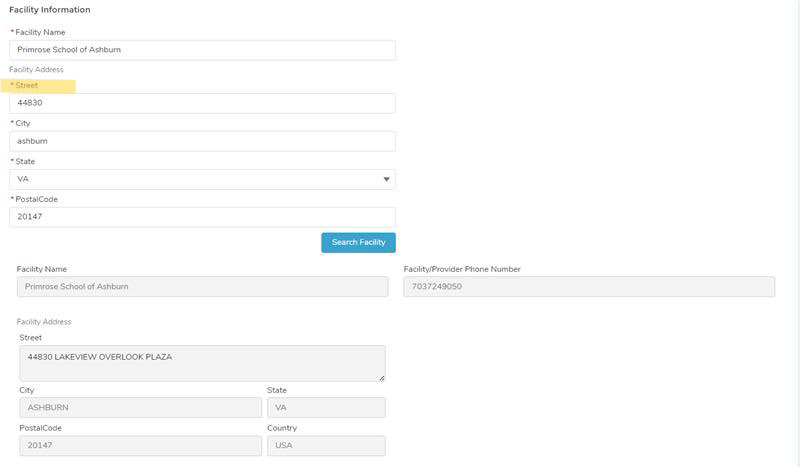
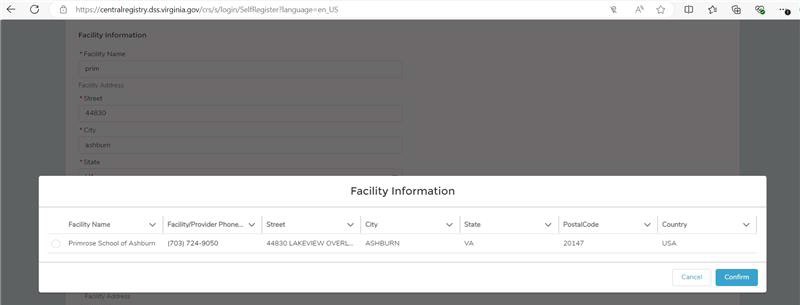
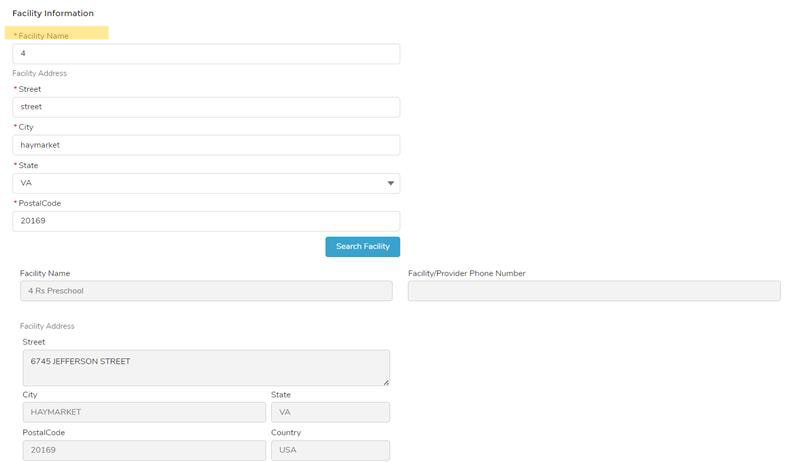
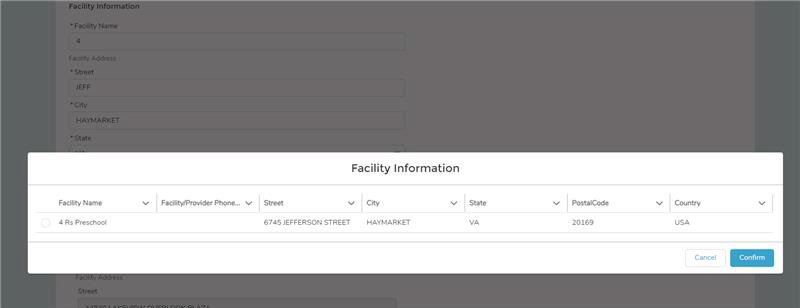
Providers who are registering for access to the OBI Provider Portal and who receive criminal background fingerprint results from VDSS OBI can now search for their facility using partial information.
You no longer need to enter the exact facility name.
To complete a facility search, the following fields must be entered in full:
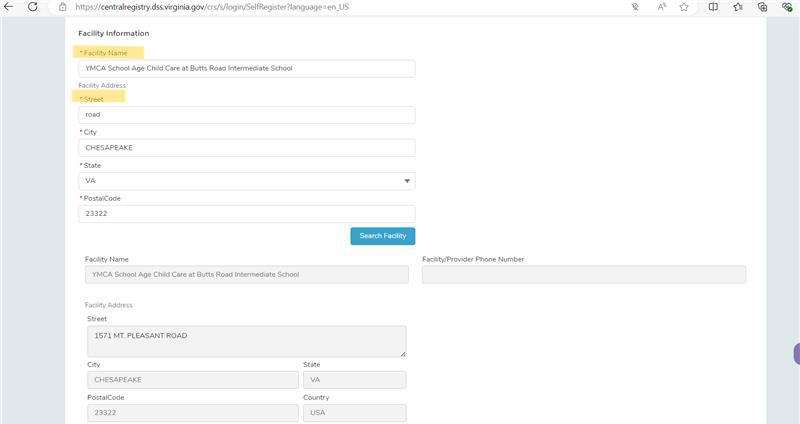
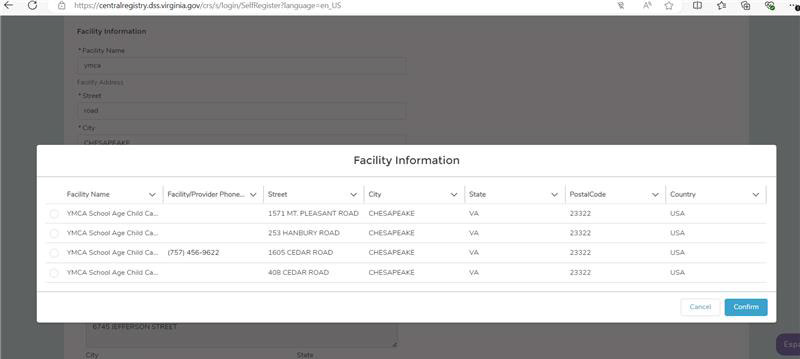
Examples of the updated Facility Search feature are included below.
We encourage you to visit the OBI Provider Portal and register your account using this new search option.
| Example: Partial Street Address Search | Result |
|---|---|
 |
 |
| Example: Partial Facility Name Search | Result |
|---|---|
 |
 |
| Example: Partial Street Address & Identical Facility Names | Result |
|---|---|
 |
 |





 Find my local department